MIDI map mode
MIDI map mode lets you map a window's on-screen controls to a MIDI controller by touching them — it is available in most windows, from the music note icon in the window header.
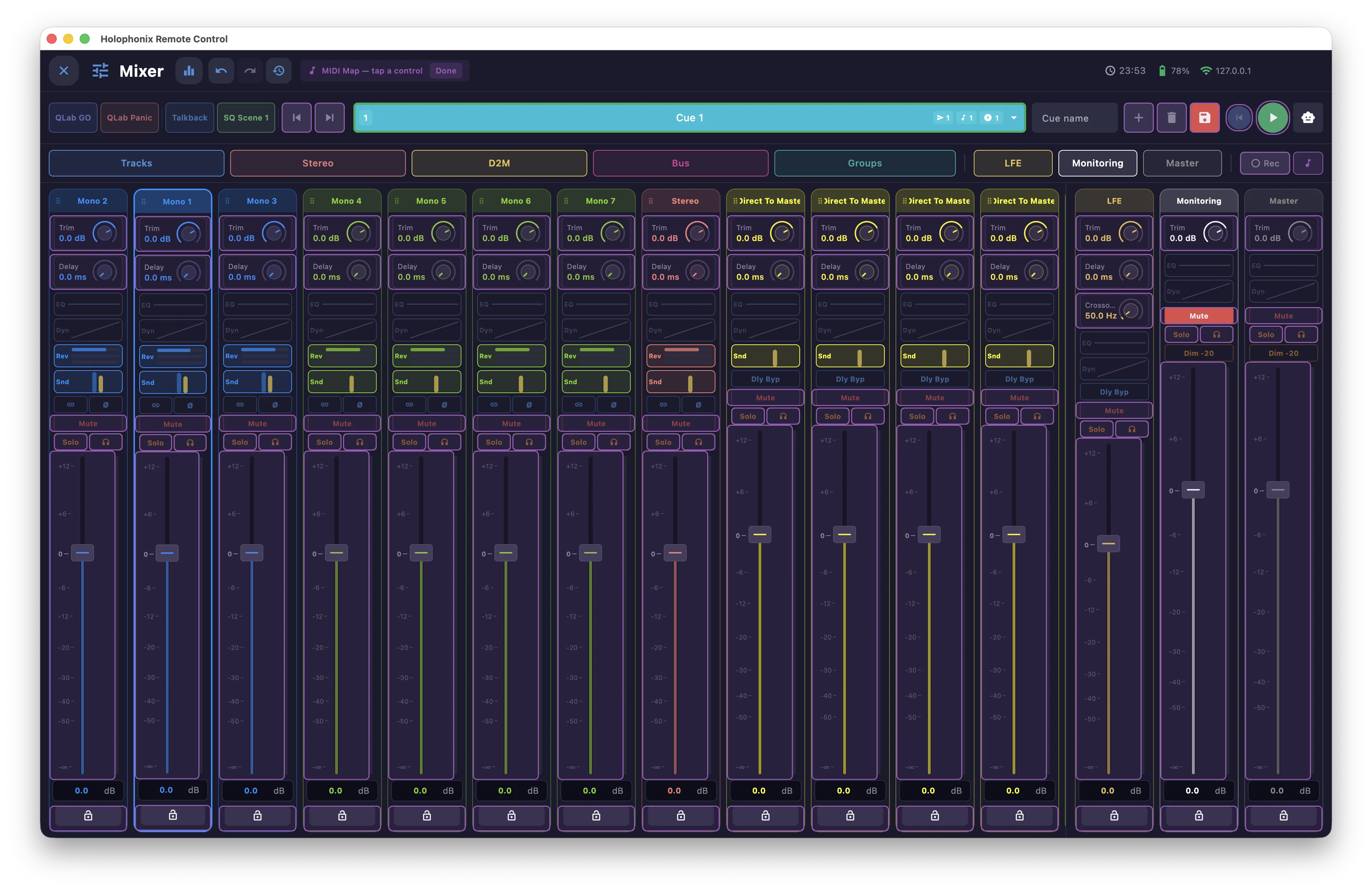
To map a control:
- Touch the music note icon to enter MIDI map mode.
- Touch the on-screen control you want to assign.
- Move the matching control on your MIDI controller — the two are now linked.
- If Auto-exit learn is enabled in MIDI Controllers, MIDI map mode turns off on its own; otherwise touch the music note icon again to leave it.
The mapping then appears in MIDI Controllers, where you can fine-tune its range and calibration.