Recall Safe
Use the Recall Safe window to protect parameters from being changed when you recall a cue. Anything marked protected keeps its current value and is left untouched, while everything else is applied as normal.
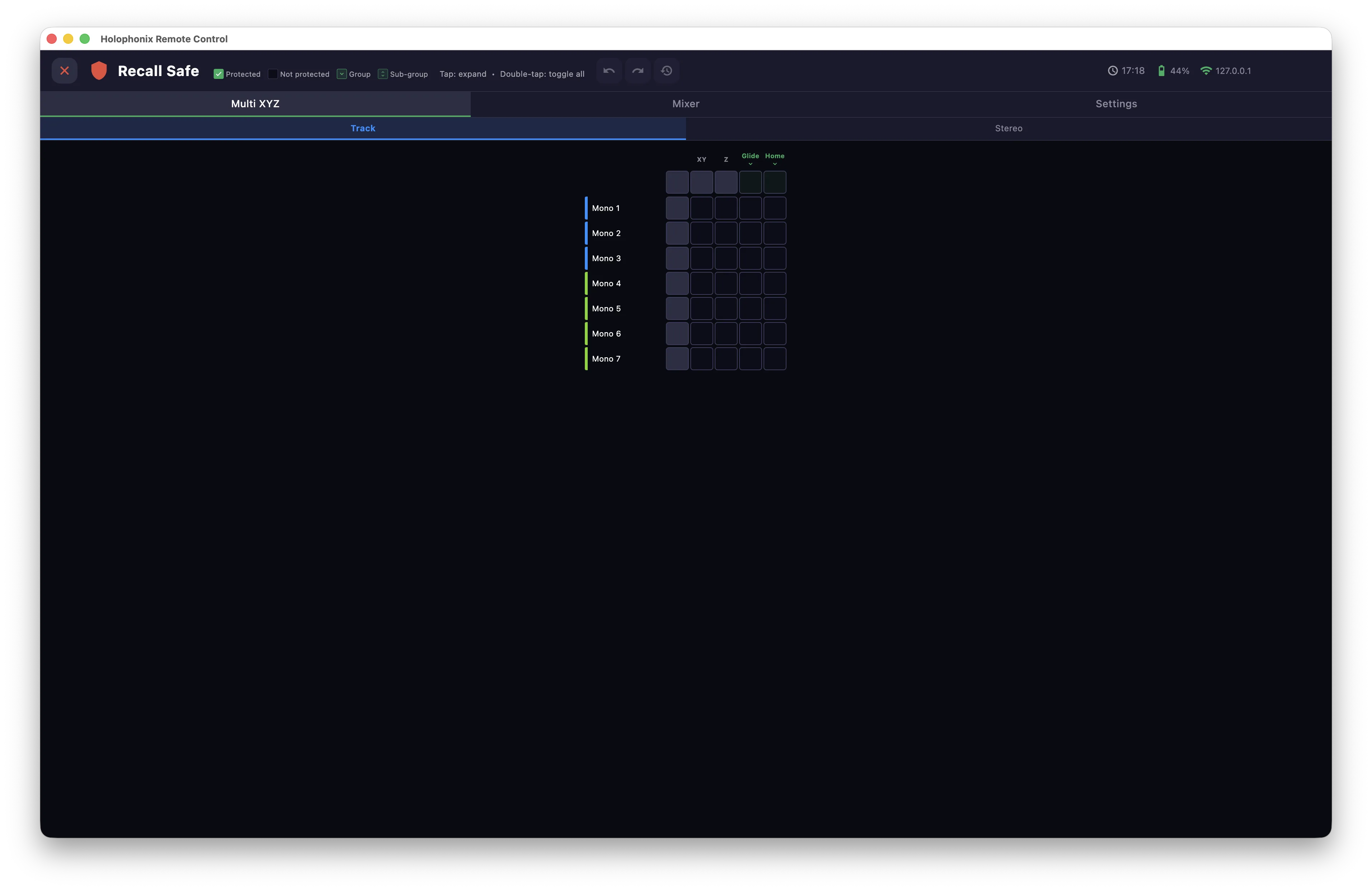
Categories
Protection is organised in three tabs:
- Multi XYZ — spatial parameters (XY, Z, Glide, Home).
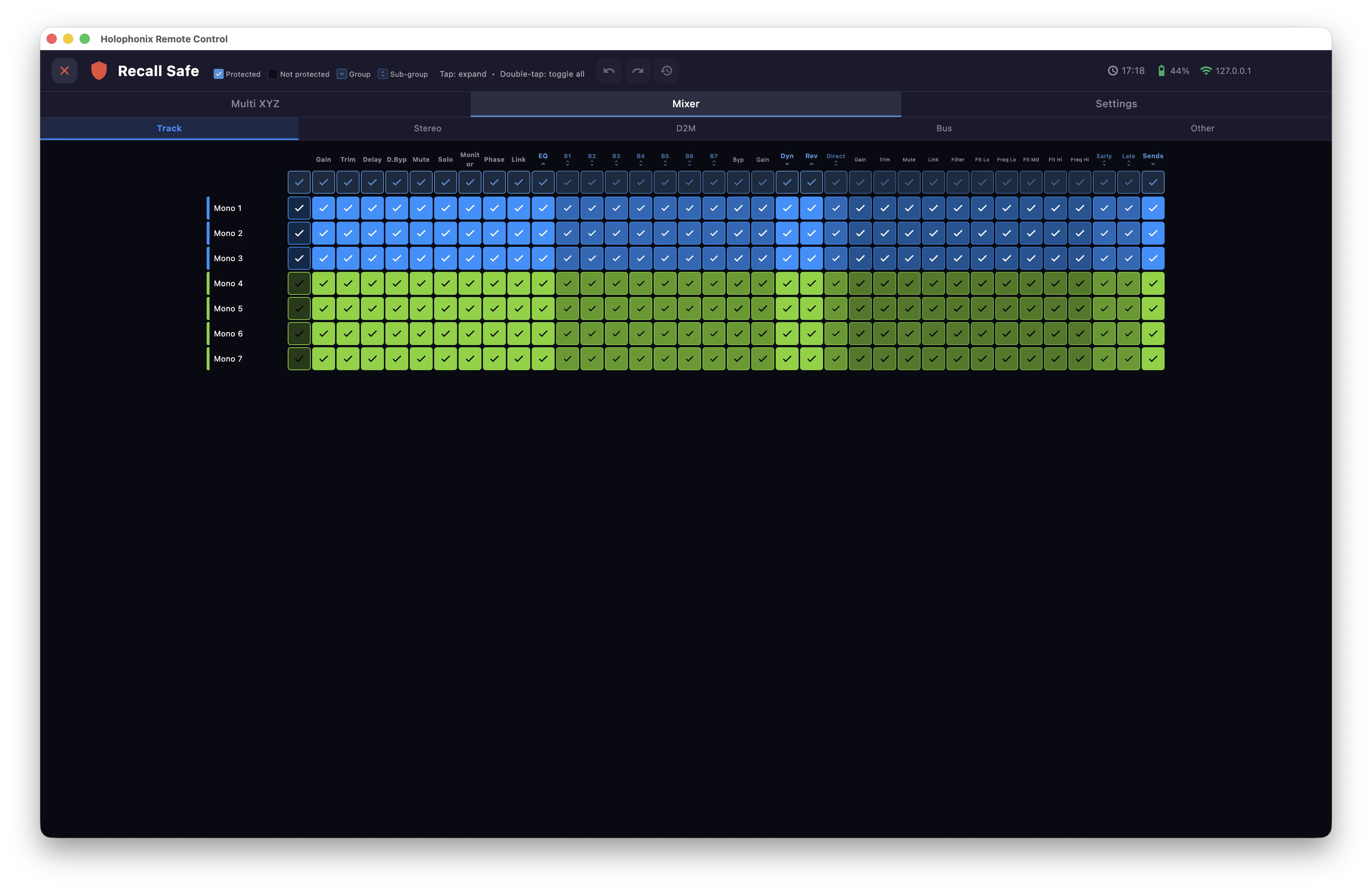
- Mixer — audio parameters (gain, EQ, dynamics, reverb, sends…).
- Settings — layout and customization.
The protection grid
Each category is a grid: channels in rows, parameters in columns. Sub-tabs split the channels by type (Track, Stereo, D2M, Bus…). A checked cell means that parameter is protected for that channel.
- Tap a cell to protect or unprotect that parameter for that channel; tap a group cell to expand it into its individual parameters (for example, the EQ into its bands).
- Tap the first cell of a row to protect all of a channel's parameters at once.
- Tap the first cell of a column to protect a parameter across all channels.
This gives you protection at every level — a whole category, a channel type, a single channel, a group, or one parameter.
Defaults
By default, the Mixer category is protected, so recalling a cue restores positions without disturbing your mix until you decide otherwise.
Per-cue position lock
Recall Safe sets global protection. A single cue can also carry its own position lock.