Channels Parameters
Use the Channels Parameters settings to give each channel a name, a color and an icon, so they are easy to recognise across the app. In each tool, pick the channel type (Track, Stereo, D2M, Bus), select a channel, then set the property.
Name
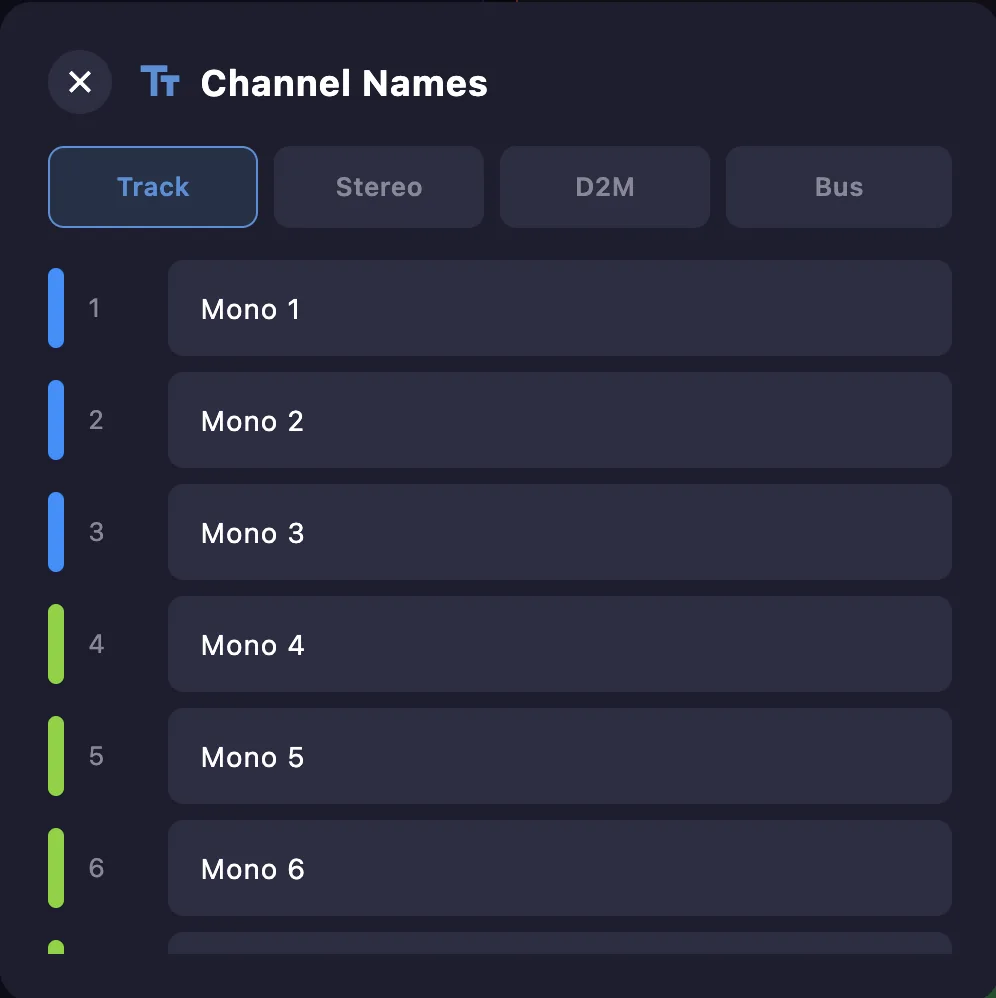
Select a channel and type its name.
Color
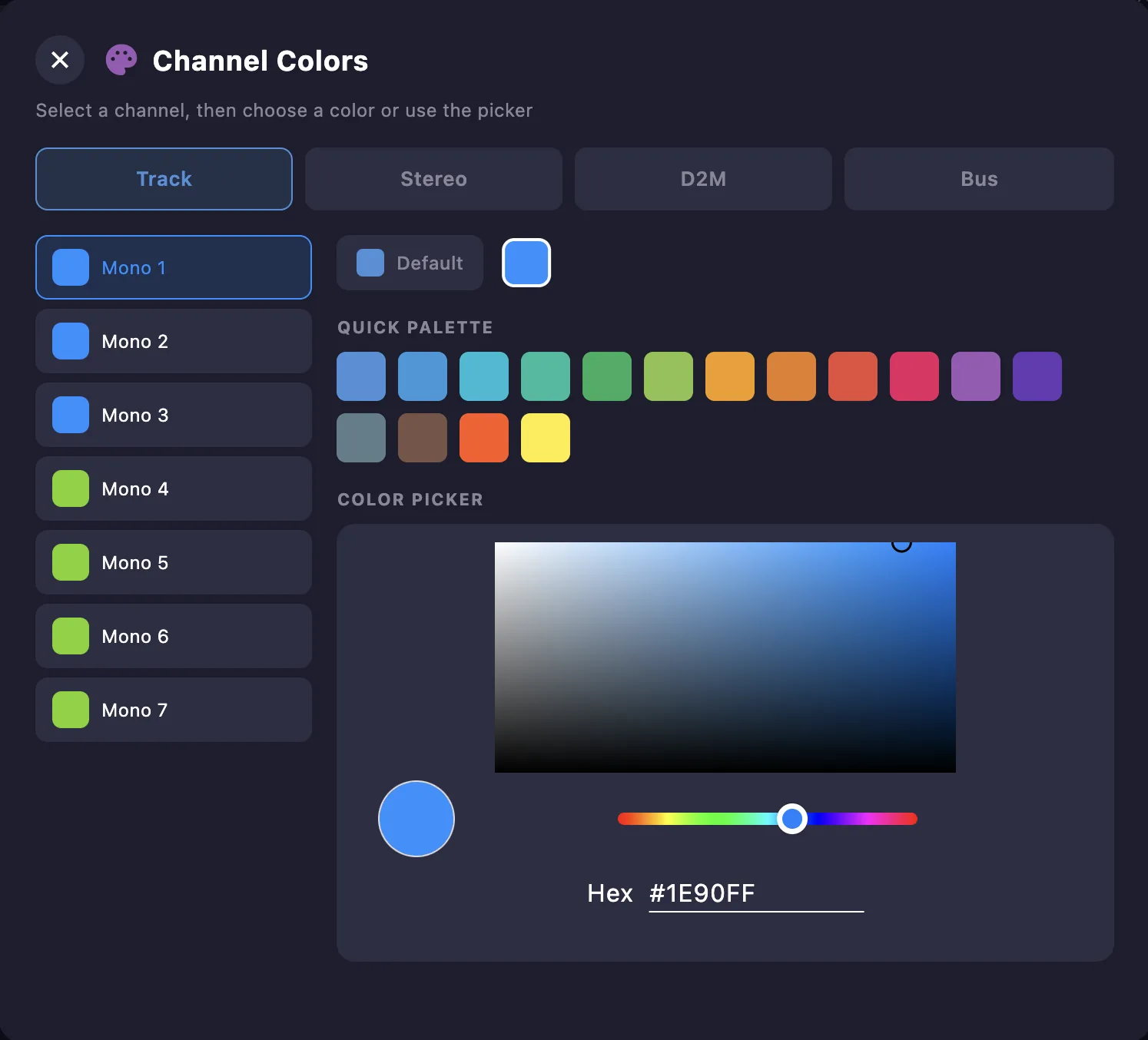
Select a channel and pick a color from the quick palette, or set an exact one with the color picker (hex).
Icon
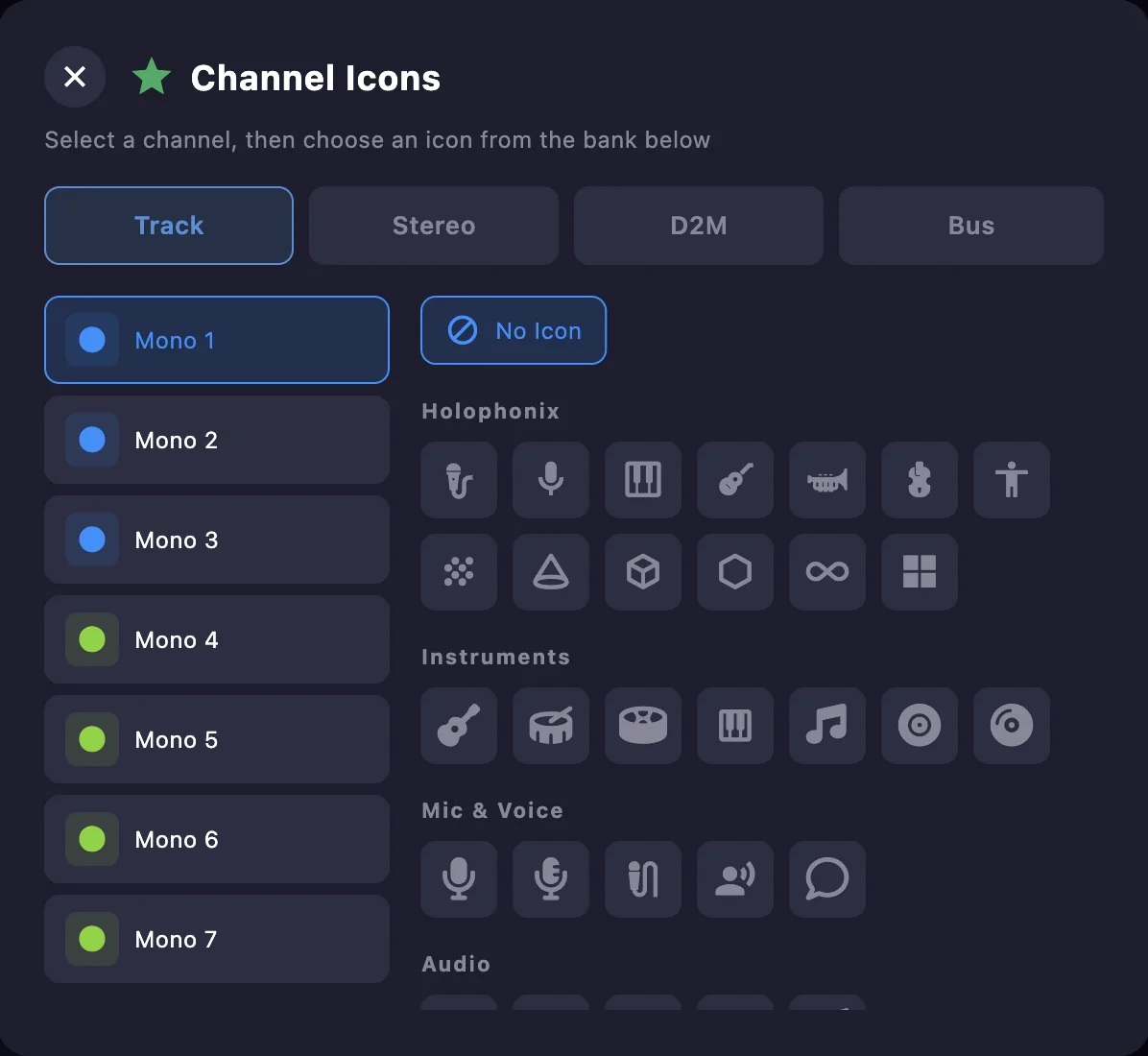
Select a channel and choose an icon from the bank — organised by category (Holophonix, Instruments, Mic & Voice, Audio…) — or pick No Icon.