Multi XYZ
Use the Multi XYZ window to position Tracks and Stereo channels in space. Drag channel points on the pad to set their position, adjust elevation and width, organise channels into groups, and work either on the whole stage or inside a single control zone.
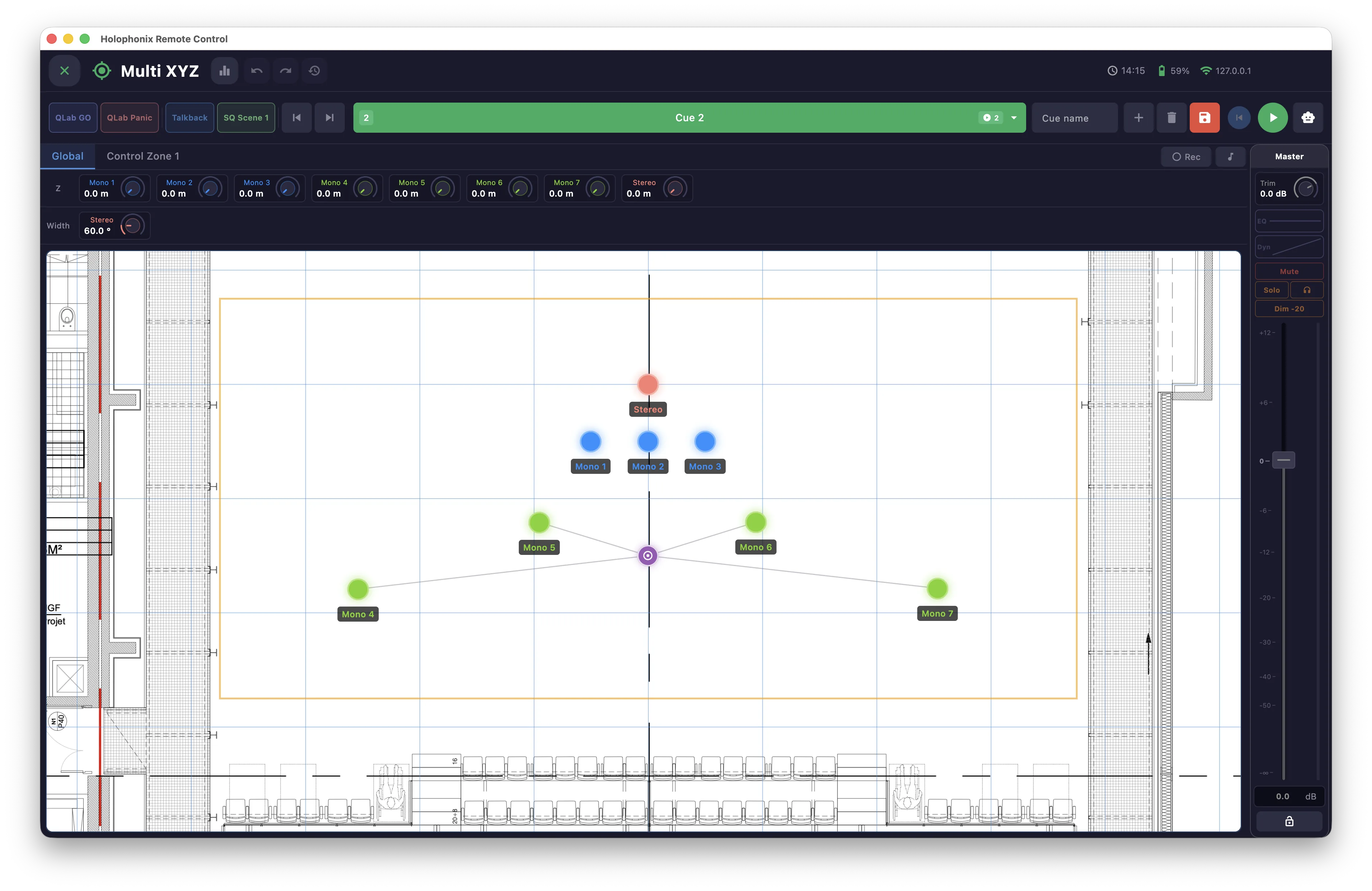
Global and Control Zone views
Switch between two views with the tabs above the pad:
- Global — the whole stage, with the venue background behind the pad and free zoom and pan.
- Control Zone — the pad scoped to a single named zone, on a clean grid, showing only that zone's channels. Each control zone you create adds its own tab.
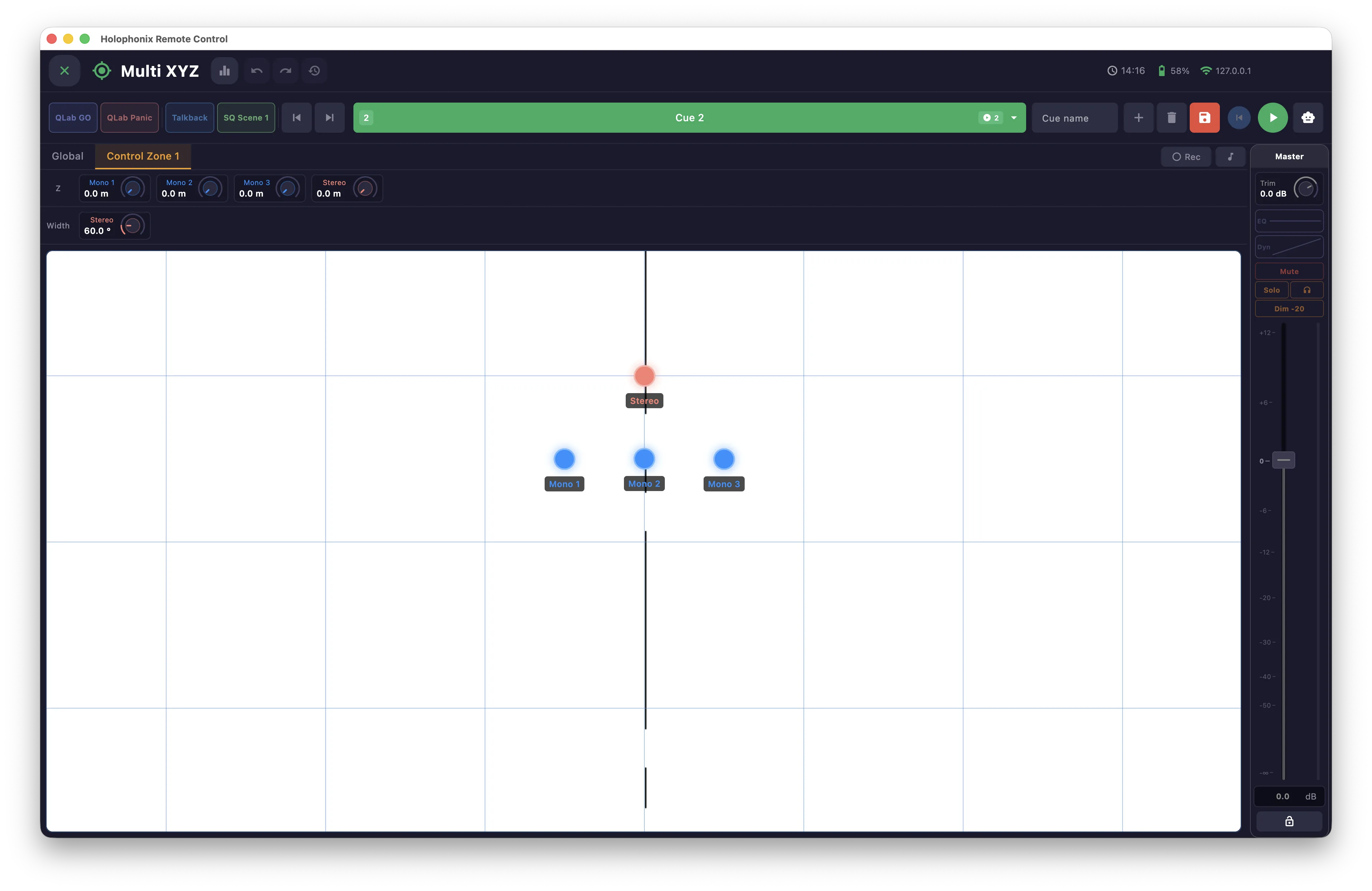
Positioning channels
Drag a channel point on the pad to set its position. On a touch screen, multi-touch lets you drag several channels at once. Channels organised into a group move together — groups are covered in their own section.
Glide
A dragged channel moves at a fixed speed — not the speed of your finger — in one of two modes, immediate or after release.
Home positions
Triple-click a channel to return it to its home position when Home is enabled. See the Home for how Home positions are set.
Elevation (Z) and Width
Use the Z control to set a channel's elevation. For Stereo channels, the Width control sets the spread between the two legs.

Channel strip
Double-click a channel to show its channel strip on the right, where you control that channel's mixer parameters without leaving the window — you can disable this in the settings. See the Mixer window for the full channel strip.
OSC and MIDI buttons
Trigger your custom MIDI and OSC actions directly from the window.
Cue strip
A cue strip gives quick access to the cue functions here — select a cue, navigate the list, Save, GO and Autoload. See the Cues window for the full detail.
Recording automations
Use Rec to capture channel moves in real time as you perform them; the recording is saved as an automation.
The settings also offer a continuous recording mode that captures a sequence of several automations in a row.
Automations
See the Automations window for playback and editing.
Shared tools
Like other windows, this one includes MIDI map mode (button next to Rec) and a Multi XYZ history to step back through recent changes.