Stream Deck
Use the Stream Deck settings to control the app from an Elgato Stream Deck — map its buttons, encoders and LCD to the app's actions.
Experimental
This feature is still in development and may be unstable.
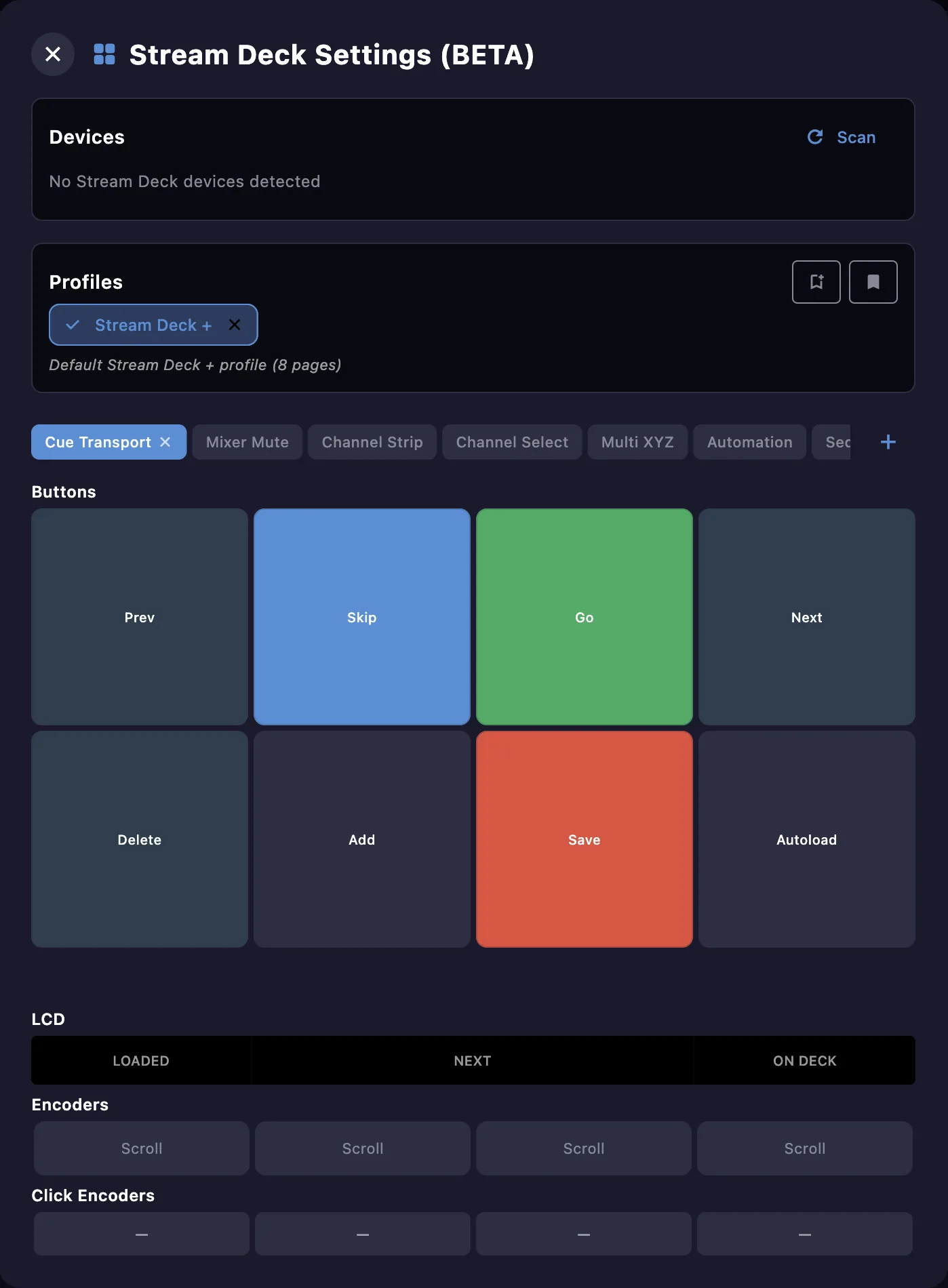
Devices
Connect a Stream Deck and Scan to detect it. For now, only the Stream Deck + is supported.
Profiles and pages
Buttons are organised into a profile made of several pages. Factory pages cover the main workflows — Cue Transport, Mixer Mute, Channel Strip, Channel Select, Multi XYZ, Automation and Sequencer — and you can add your own. Profiles can be saved and recalled as library presets.
Buttons
Each button maps to an action — cues, channels, mixer, custom OSC / MIDI, automations, the sequencer or navigation — and can be styled with an icon, color and label.
Encoders and LCD (Stream Deck +)
On the Stream Deck +, the rotary encoders control continuous parameters over a configurable range, and the LCD strip shows live information (loaded / next / on-deck cues, encoder values…).