Logs
Use the Logs to follow what the app is doing — connections, OSC in and out, cues, automations, files, warnings and errors. Each entry is timestamped and tagged by category.
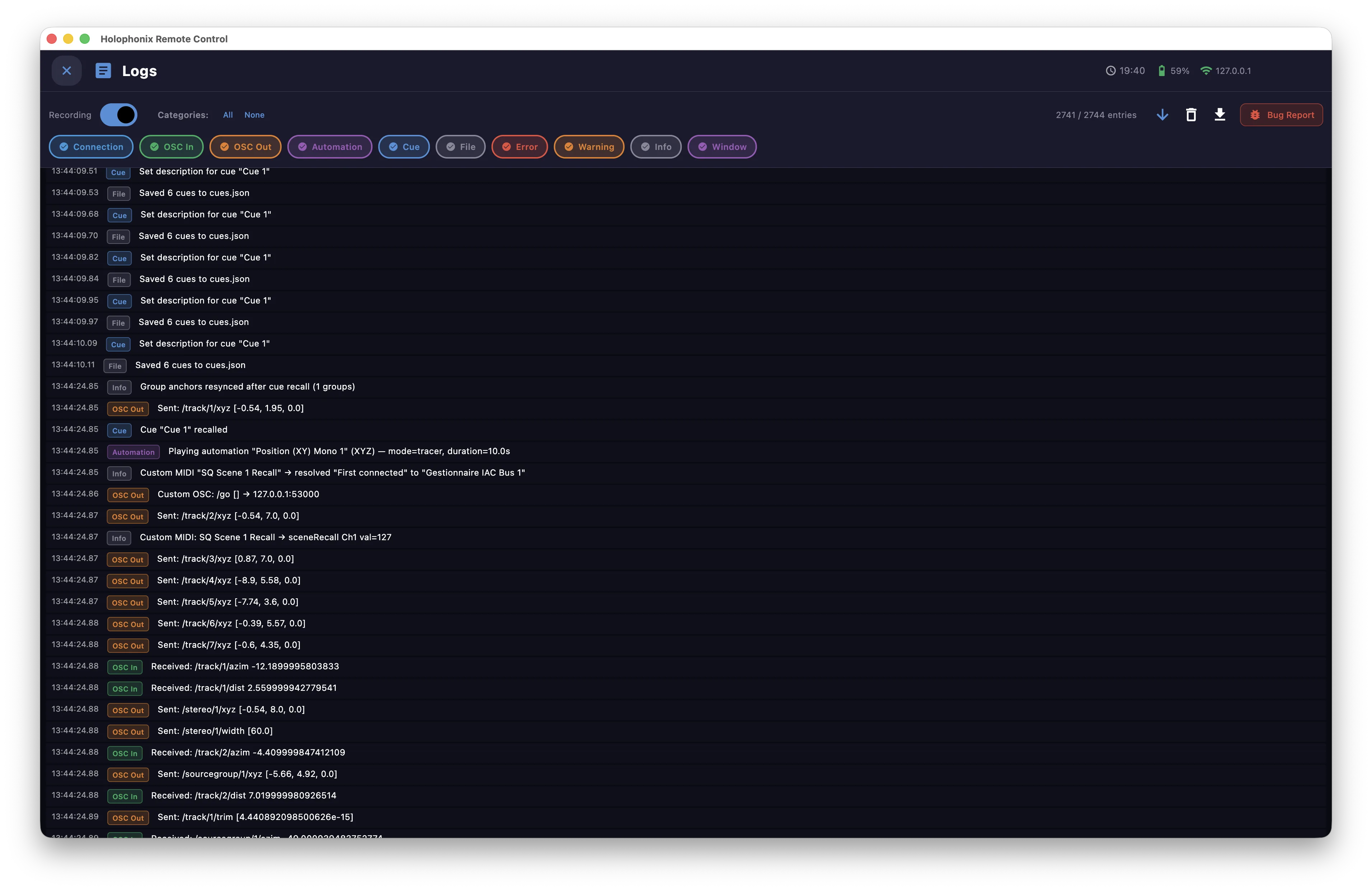
- Recording — toggle logging on or off.
- Categories — filter the list by category, or show All.
- The blue arrow toggles auto-scroll on or off (follow the latest entries).
- Export the log to a text file, or clear it.
- Bug Report — send a report; the logs are attached to it.