Show mode
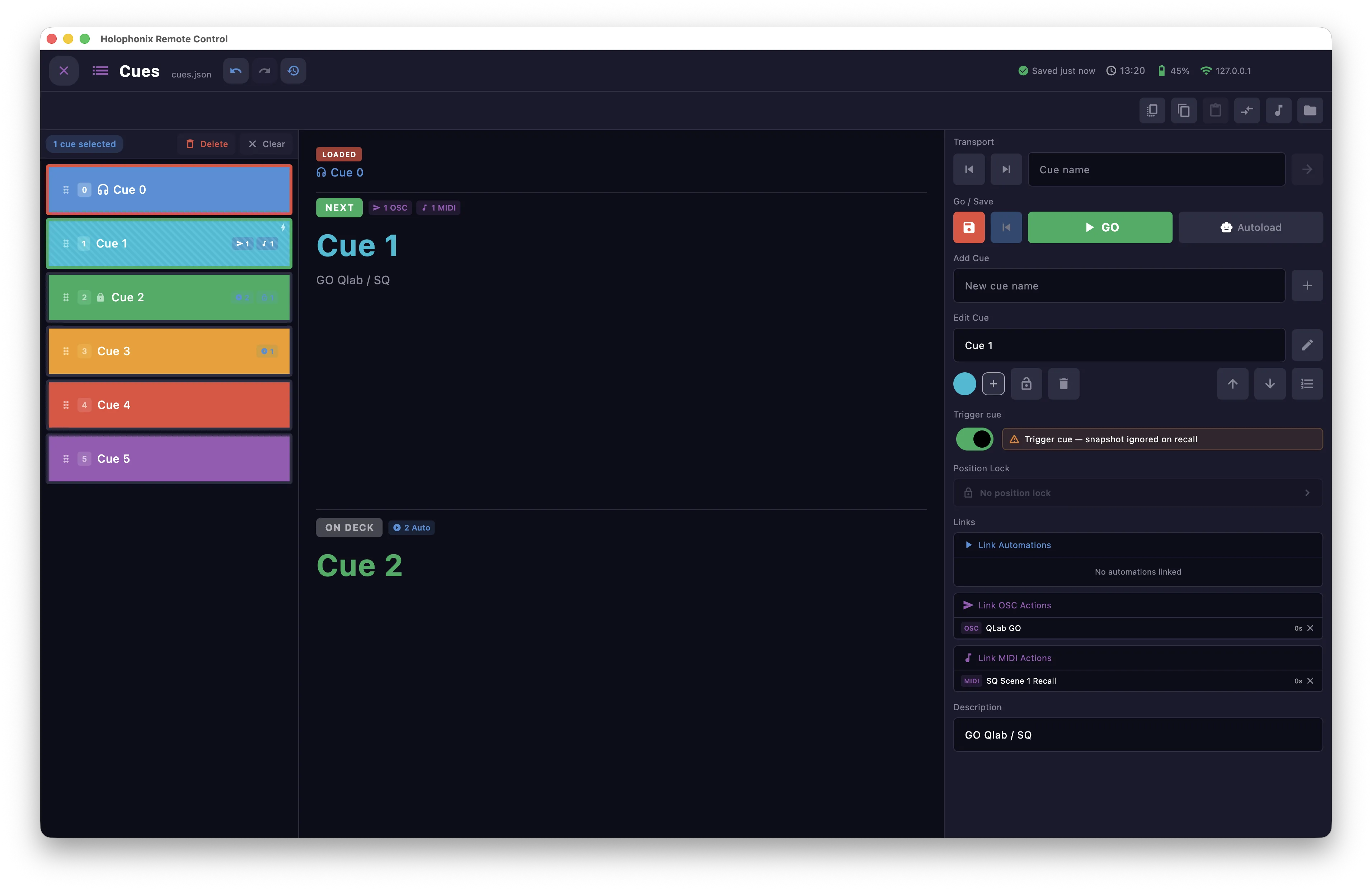
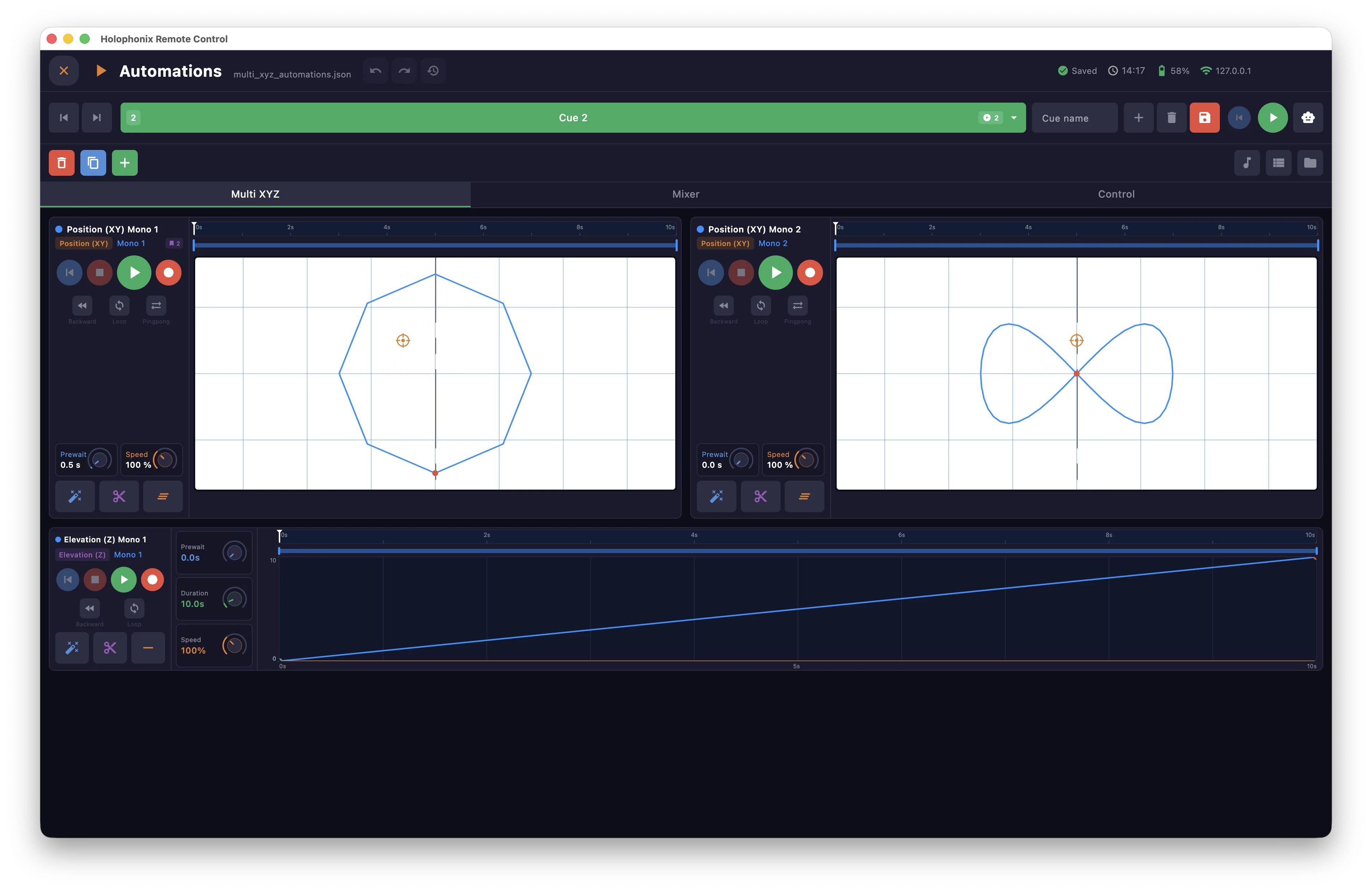
Switch between Edit and Show modes from the Home screen:
- Edit — full access to every control.
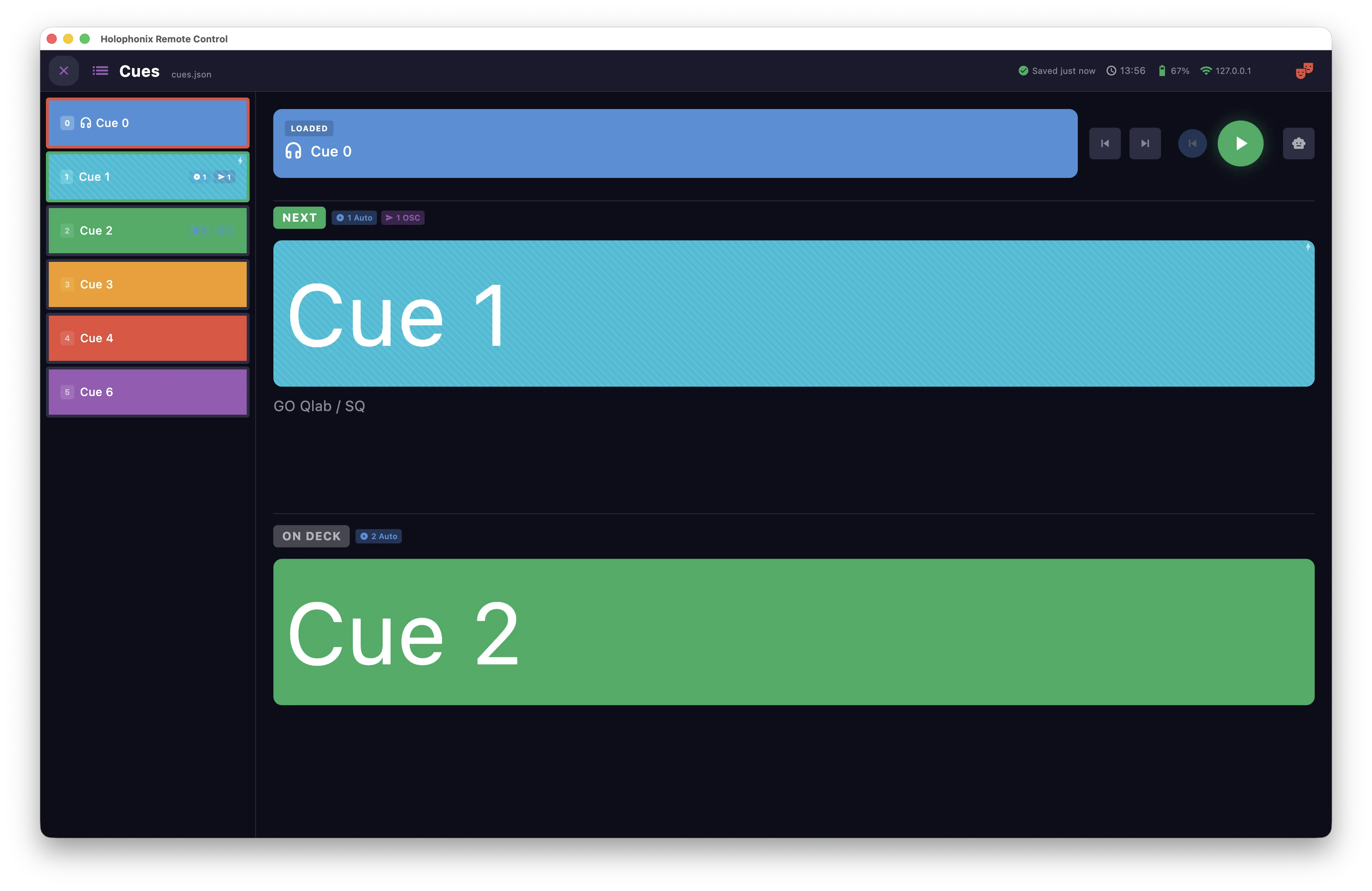
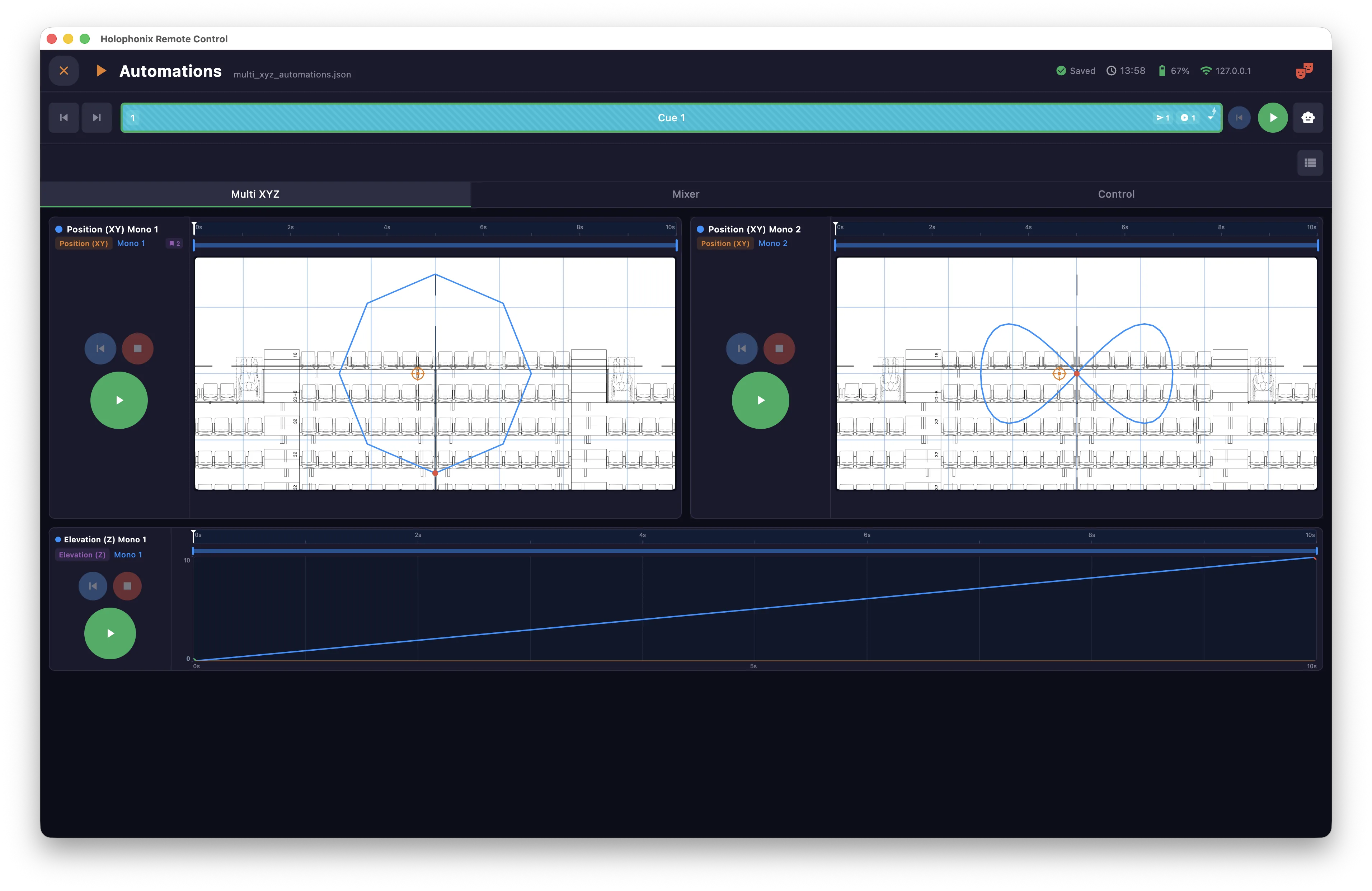
- Show — locks the interface for live operation: edit controls are hidden and destructive actions are blocked, to prevent mis-clicks during a performance.
While in Show, the show icon replaces the gear that opens Settings in the status bar — a reminder that you are live, and a guard against opening Settings by mistake.

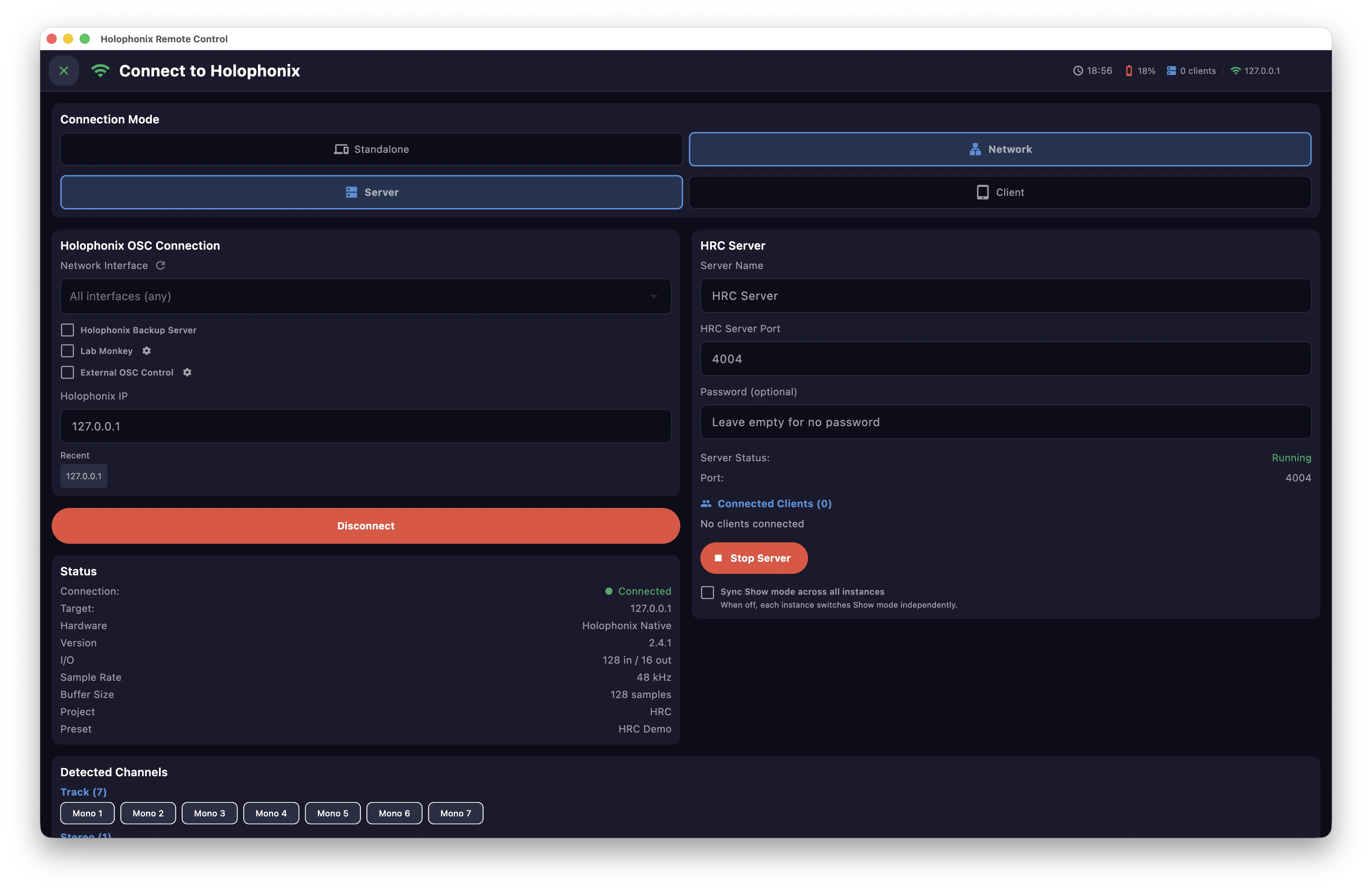
In Server mode, each connected instance switches between Edit and Show on its own. To keep every instance in the same mode, turn on Sync Show mode across all instances on the connection screen.
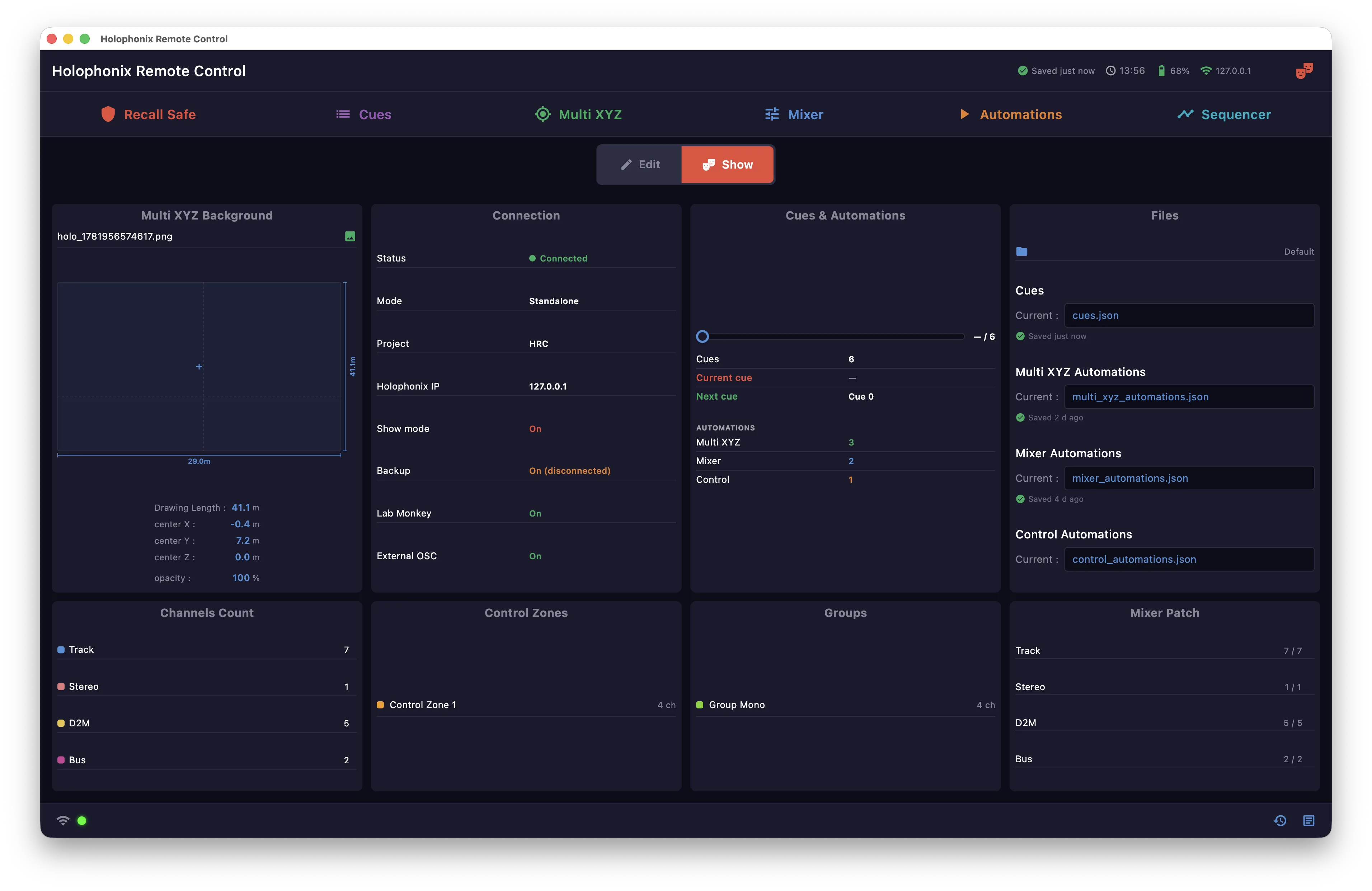
Show mode also makes the windows you use live more legible: editing panels step aside and the live content fills the space.