Mixer Layout
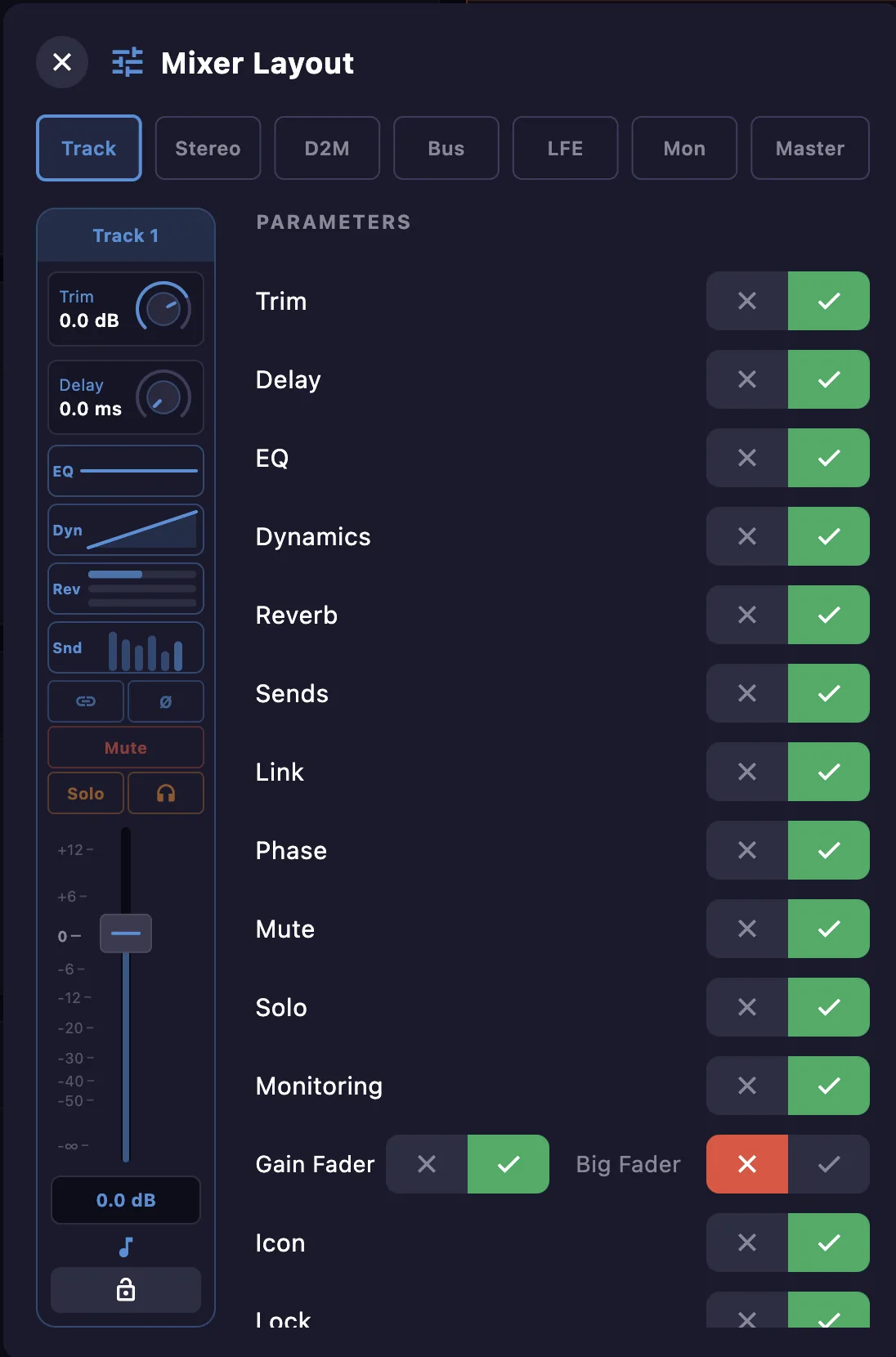
Use Mixer Layout to choose which controls appear on each mixer channel strip, keeping the strips focused on what you use. Pick a channel type (Track, Stereo, D2M, Bus, LFE, Monitoring, Master), then toggle each parameter on or off — a live preview shows the resulting strip. The Gain Fader can also be shown as a Big Fader.
See the Mixer window for what each parameter does.